Best overall for phone-first beginners: a self-custody mobile wallet that supports your network. Best for browser-based apps: a browser wallet. Best for keeping signing keys off your everyday device: a hardware wallet. The best crypto wallet for beginners depends on what you need to do and whether you are ready to manage recovery yourself; this guide ranks wallet types rather than unverified product features.
- The best crypto wallet for beginners matches your network, recovery needs, and everyday task.
- Choose a mobile wallet for phone-first use; choose a browser wallet for browser-based apps.
- Hardware wallets separate signing keys from everyday devices but still require careful transaction checks.
- BuildAWallet HUMAN helps beginners design a wallet blueprint; it does not deploy a working wallet.
Start with the task, not the wallet name
A crypto wallet manages access to blockchain assets; it does not store coins inside the app. Your assets remain recorded on the network, while the wallet helps you inspect balances and authorize transactions.
The first decision is who controls authorization. Self-custody means you control the signing keys; custody means a provider controls them. A signing key is the secret used to authorize a transaction, not the public address you share to receive assets.
If you need help defining those choices, BuildAWallet offers HUMAN, a guided wallet-blueprint design experience. BuildAWallet HUMAN is best for beginners who want to define wallet requirements before choosing an implementation, not for someone who needs a deployed wallet now.
What makes the best beginner crypto wallet?
Use these criteria before comparing interfaces. An attractive dashboard does not resolve a network mismatch or an unclear recovery process.
- Network fit: The wallet must support the blockchain you intend to use. An asset name alone does not establish which network holds it.
- Custody clarity: You should know who can authorize transfers and who can restore access.
- Recovery clarity: You need to understand what restores the wallet and what happens if that recovery material is lost.
- Transaction readability: You should be able to identify the network, destination, action, and requested permissions before approving.
- Device fit: Choose an interface that matches where you actually work: phone, browser, or a separate signing device.
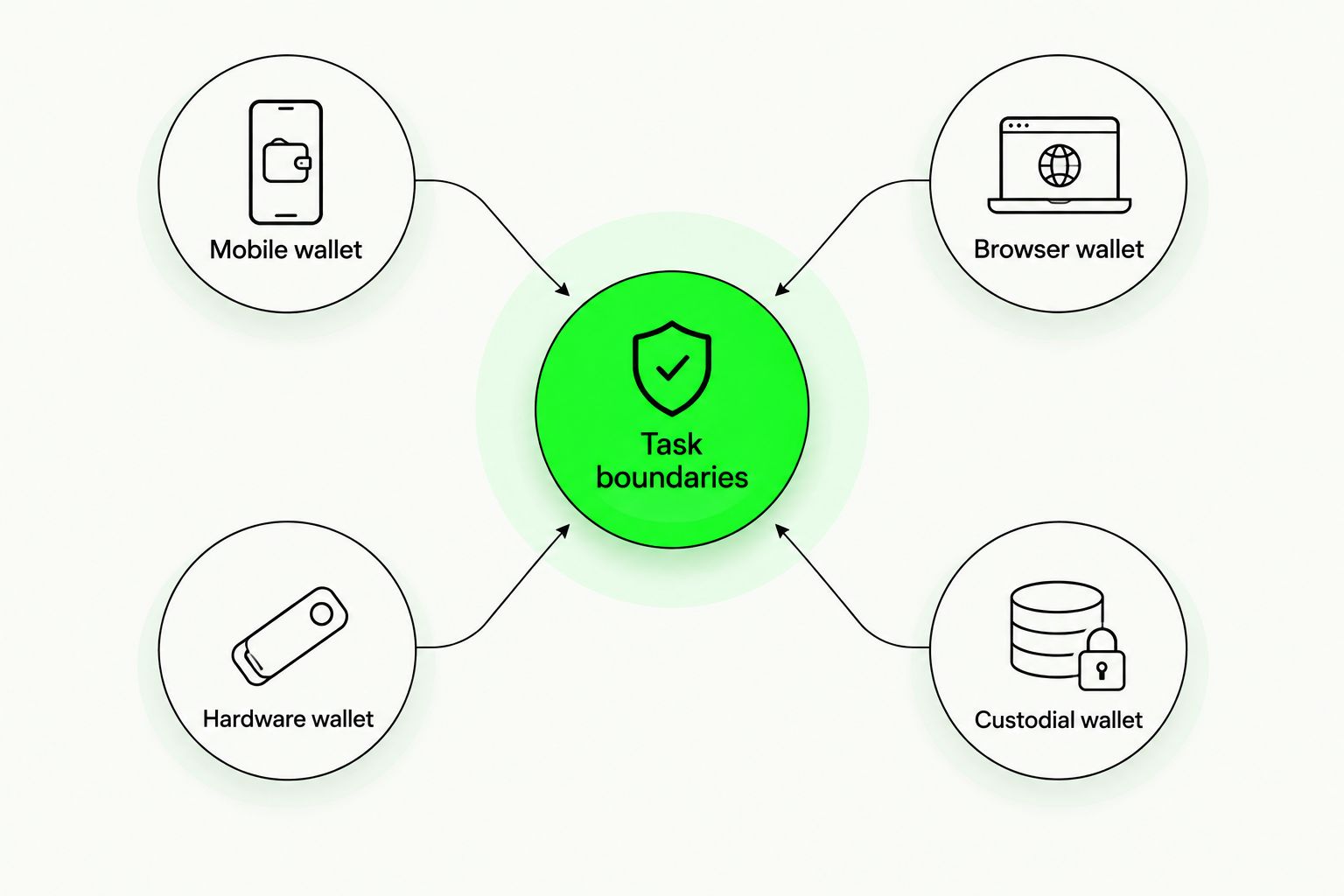
- Task boundaries: Balance viewing, transaction signing, account recovery, and wallet design are different capabilities. Do not treat one as proof of another.
For a 2026 shortlist, check current official documentation for each named product before installing it. Confirm the exact network, recovery method, device requirements, and operation you need; this category comparison does not establish any individual product's current features.
Beginner wallet options at a glance
The categories below have distinct use cases. A hardware wallet can also work with a mobile or browser interface, so these are workflow choices rather than mutually exclusive technologies.
| Rank and wallet type | Best for | Standout characteristic | Key limitation |
|---|---|---|---|
| 1. Mobile wallet | Phone-first self-custody | Wallet access from your everyday phone | Phone access and wallet recovery require separate planning |
| 2. Browser wallet | Browser-based blockchain apps | Transaction approval alongside web applications | App permissions and deceptive sites require careful review |
| 3. Hardware wallet | Separating signing keys from everyday devices | A dedicated device authorizes transactions | Extra setup and recovery responsibilities |
| 4. Custodial wallet | Provider-managed account access | The provider manages signing keys | Access depends on provider rules and account controls |
| Separate category: HUMAN blueprint | Defining wallet requirements | Guided design across custody, networks, security, and features | A blueprint is not a deployed wallet |
A wallet interface answers how you interact. Custody answers who has authority. Keep both questions visible when you compare options.
1. Mobile wallet: best for phone-first self-custody
A self-custody mobile wallet lets you manage wallet access from a phone while retaining responsibility for authorization and recovery. It is the default starting category if your main task is checking balances and sending transactions from that device.
Do not assume the phone's backup restores the wallet. Check the wallet's documented recovery mechanism before relying on it, and distinguish unlocking the app from restoring signing access.
Mobile wallet pros:
- Fits a phone-first workflow without requiring a browser extension.
- Keeps routine wallet interactions in a dedicated app.
- Gives you direct signing control when the implementation is genuinely self-custodial.
Mobile wallet cons:
- Losing access to the phone creates a recovery task.
- A compromised device creates risks that an app password alone does not resolve.
- Supported networks and recovery methods differ by implementation.
Best for: Beginners who want direct control and mainly use a phone.
Before setup, confirm that the official app supports your intended network. Then document how you would restore access if the phone stopped working, without copying recovery secrets into messages, prompts, or cloud notes.
Verdict: Choose a mobile wallet when phone-first use and self-managed recovery match your needs.
2. Browser wallet: best for browser-based blockchain apps
A browser wallet connects wallet interactions with websites that request blockchain actions. It fits a beginner whose actual task involves browser-based applications rather than balance viewing alone.
A connection request is not the same as a transaction signature. Read each request separately, and check whether you are connecting an address, signing a message, authorizing a transaction, or granting an asset permission.
Browser wallet pros:
- Places transaction review alongside the web application you are using.
- Supports a workflow centered on browser-based interactions.
- Lets you separate a dedicated app-interaction wallet from other wallet uses.
Browser wallet cons:
- Deceptive websites can imitate legitimate applications.
- Permission requests require more judgment than simply viewing balances.
- Installing an extension does not establish that an application is trustworthy.
Best for: Beginners who have a specific browser-based application to use.
Verify the application address independently before connecting. An asset approval is permission for a contract to act on specified assets; inspect that permission instead of treating every request as routine sign-in.
Verdict: Skip a browser wallet as your default if you do not need browser-based app interactions.
3. Hardware wallet: best for separating signing keys
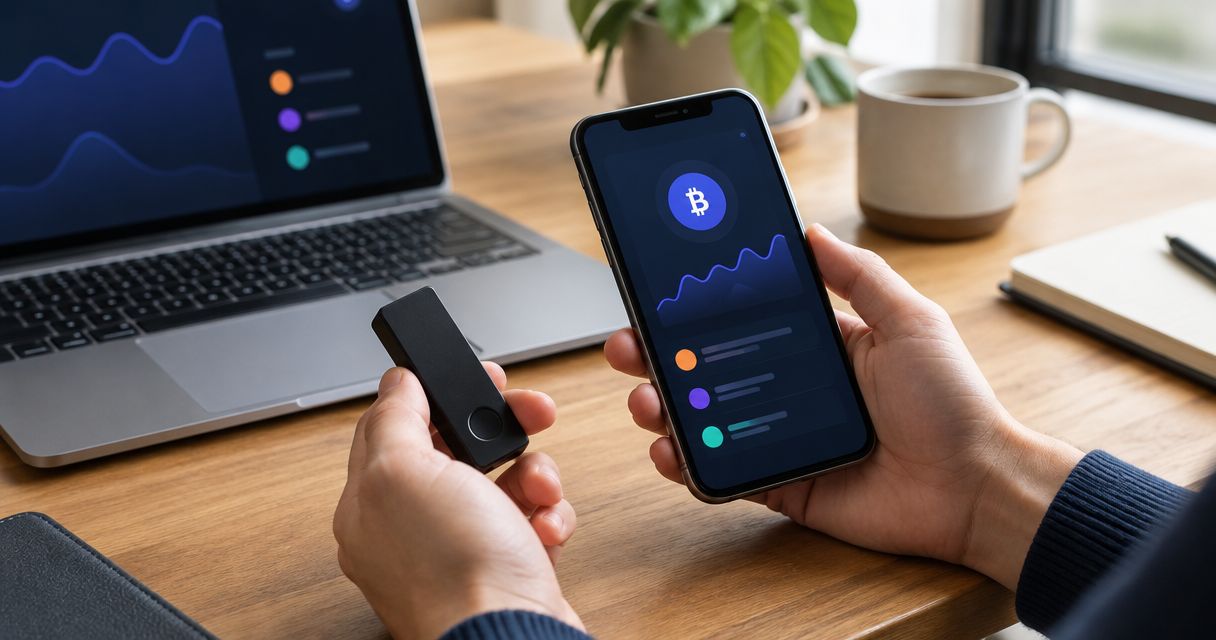
A hardware wallet uses a dedicated device to authorize transactions while keeping signing keys separate from the everyday computer or phone. The connected software still helps prepare transactions and display wallet information.
That separation does not make every transaction safe. A hardware device can authorize an unwanted action if you approve it, so review the details presented by the device and understand the operation before confirming.
Hardware wallet pros:
- Separates signing keys from the everyday device's software environment.
- Adds a deliberate device-confirmation step to transaction authorization.
- Creates a clear boundary between preparing a transaction and signing it.
Hardware wallet cons:
- Requires device setup and compatibility checks.
- Recovery material remains sensitive even when signing keys stay on the device.
- Device confirmation cannot replace understanding the requested transaction.
Best for: Beginners prepared to manage a separate signing device and recovery process.
Check current official compatibility documentation for your network and intended interface. Do not assume that support in a desktop application proves support for the same workflow on a phone.
Verdict: Choose hardware signing when key separation matters and you can manage the extra setup.
4. Custodial wallet: best for provider-managed access
A custodial wallet leaves signing keys under a provider's control. You interact through an account, while the provider determines the available recovery, transfer, and access procedures.
This category fits users who explicitly prefer provider-managed access over direct key control. It does not remove risk; it changes which responsibilities you handle and which dependencies you accept.
Custodial wallet pros:
- Removes direct signing-key management from your everyday workflow.
- Provides account-based access under the provider's documented process.
- Separates account recovery from managing a self-custody recovery secret.
Custodial wallet cons:
- You depend on the provider for access and transaction execution.
- Account recovery and transfer restrictions follow provider rules.
- Control of an account is not the same as control of signing keys.
Best for: Beginners who deliberately choose provider-managed access.
Read the current terms for account recovery, transfers, supported networks, and restrictions. Custody protections and legal rights vary by provider and jurisdiction; this guide does not establish either for a particular service.
Verdict: Skip custody if direct control of signing keys is a requirement.
Separate category: design a blueprint before choosing a wallet
BuildAWallet HUMAN helps individuals define a custom wallet blueprint around assets, networks, custody, security, privacy, features, and style. That is a planning task, not an installed wallet or a transaction-signing service.
HUMAN blueprint pros:
- Makes custody and network requirements explicit before implementation.
- Gives recovery, privacy, and security requirements a place in the design.
- Separates desired features from the decision about how to implement them.
HUMAN blueprint limitations:
- Selecting a recovery option does not implement recovery.
- Selecting a network does not deploy a wallet on that network.
- A completed design does not establish that a working wallet is secure.
Best for: Beginners who cannot yet explain what they need from a wallet.
BuildAWallet NON-HUMAN is the machine-facing side for AI agents and the developers building them; HUMAN is a separate wallet-blueprint design experience. NON-HUMAN includes paid machine data access and Base/Solana balance reads, with deployment and feature availability requiring validation against current documentation. Balance access is not signing authority.
Verdict: Choose blueprint design for requirements planning; skip it as a substitute for a working wallet.
Check the workflow before relying on it
A beginner wallet should pass a practical check, not just look straightforward. Use this sequence for whichever implementation you select.
Verify the source
Find the official product documentation and installation source independently. Do not use an unsolicited support message as evidence that an app, extension, or recovery page is genuine.
Confirm the network
Identify the blockchain for the asset and operation you intend to use. Check receiving and sending compatibility separately; a familiar asset symbol is not enough.
Understand recovery
Identify the recovery mechanism and what it restores. Never enter a recovery secret into a website or support conversation simply because someone says access must be verified.
Inspect authorization
Read what the wallet requests before approving. If you cannot identify the destination, permission, or action, stop rather than using confirmation as a way to discover what happens.
Separate observation
Viewing a public address and authorizing a transfer are different operations. Do not grant signing access to a tool that only needs to display balances.
These checks apply to a new wallet and to an unfamiliar application connected to an existing wallet. Repeat them when the network, device, or recovery method changes.
How the ranking works
This ranking uses task fit, custody clarity, recovery responsibility, and signing boundaries. Mobile self-custody leads for a phone-first beginner; browser access, hardware signing, and provider custody each serve a different requirement.
The ranking is not based on first-hand testing, performance measurements, or verified current product catalogs. Choose the category here, then validate the named implementation against its official documentation.
Which beginner wallet should you choose?
If you remain undecided, start with a self-custody mobile wallet only after confirming your network and understanding recovery. Choose a browser workflow for a specific web application, hardware signing for key separation, or custody when you deliberately want provider-controlled authorization.
If those distinctions still feel unclear, define your requirements before installing anything. The useful first decision is not which wallet has the longest feature list; it is which responsibilities you are willing to manage.
FAQ
What's the best crypto wallet for beginners?
A self-custody mobile wallet is the default category for phone-first beginners who understand recovery. Browser wallets, hardware wallets, and custodial wallets fit different tasks; verify the specific product's current network and recovery support before choosing.
Is a mobile wallet better than a browser wallet?
A mobile wallet is better for a phone-first workflow; a browser wallet is better for interacting with browser-based blockchain apps. Neither interface alone establishes the custody model or makes transaction approvals safe.
Do beginners need a hardware wallet?
Beginners do not need hardware signing for every wallet task. A hardware wallet fits users who want signing keys separated from everyday devices and can manage device setup, transaction review, and recovery.
What happens if I lose my phone?
Wallet recovery depends on the specific wallet's recovery mechanism. An app password or phone backup does not automatically establish that you can restore signing access, so verify recovery before relying on the device.
Can one wallet work on every blockchain?
Do not assume that one wallet supports every blockchain. Check the exact network and intended operation in current official documentation, including any separate requirements for a hardware device or connected interface.
Does BuildAWallet HUMAN create a working crypto wallet?
BuildAWallet HUMAN provides a guided wallet blueprint, not a deployed wallet. Choosing custody, networks, or recovery requirements defines a design; it does not implement those features or secure a working wallet.
Does reading a wallet balance let an agent move funds?
Reading a wallet balance does not grant signing authority. A balance-reading workflow and a transaction-authorizing workflow require different permissions; keep signing keys and recovery secrets out of prompts and logs.
Your next step: write the recovery plan
Before choosing an implementation, write down the network you need, who will control signing, and how access will be restored if your main device fails. Record the process, not the secrets.
If you cannot explain recovery without opening the app, resolve that gap before relying on the wallet. This is general security education, not a security guarantee or individualized legal advice.